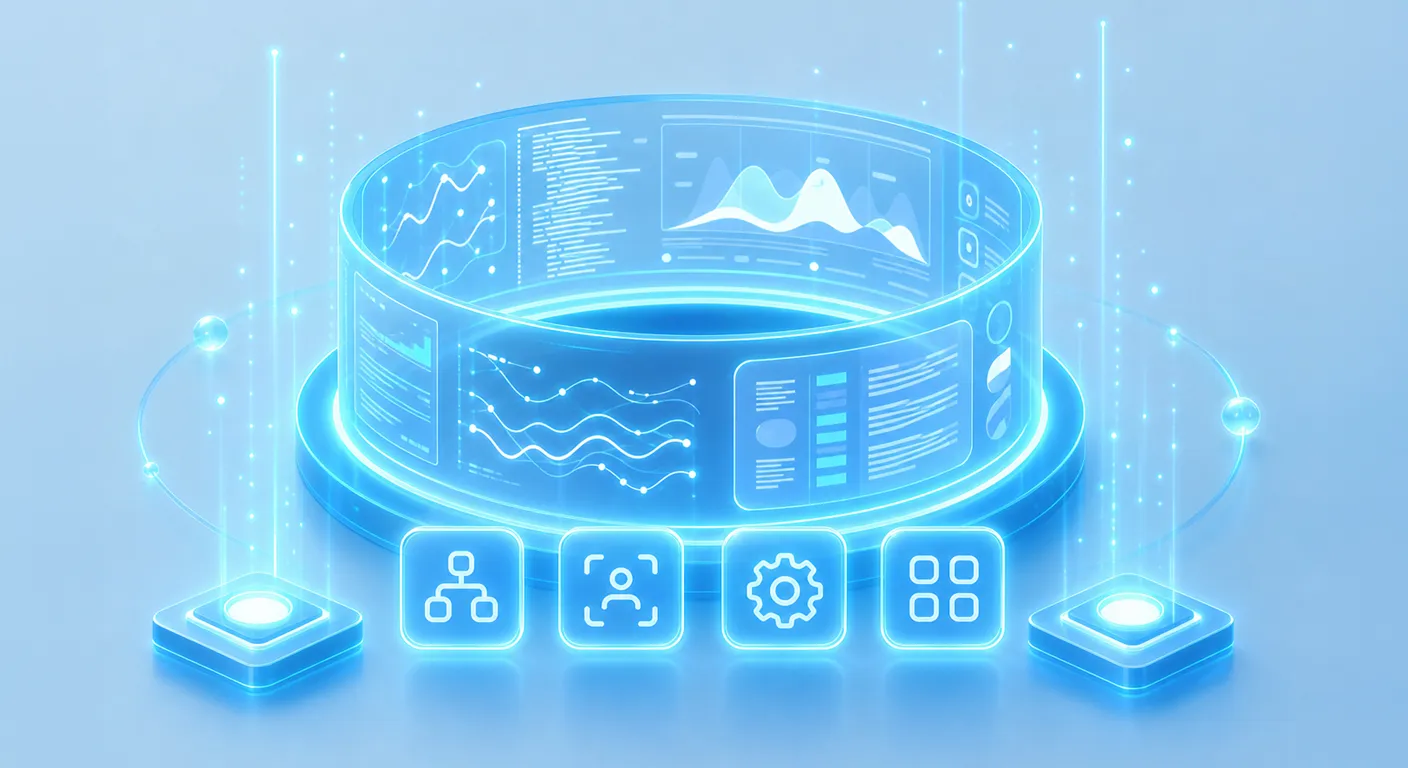
Migration in Modernization: Moving data, processes and business continuity
Modernizing an OpenText environment is not only about creating better interfaces, smarter workflows, or more intuitive Business Workspaces. There is another essential question: What happens to the data that already exists? Historical documents, metadata, active cases and completed processes still need to remain available when users move to the new environment.
Table of contents
That is why migration is an integral part of our Move & Modernize approach.
The “Move” behind modernization
A new environment may introduce tailored Business Workspaces, dashboards and redesigned processes. But business continuity depends on what happens between the old and the new.
Data may come from legacy applications, file systems, emails, databases or several sources at once. And the goal is not simply to copy it.
Hiding the complexity
Our approach is based on decoupling. Instead of requiring the migration technology to understand every detail of the target OpenText implementation, we expose standardized endpoints that external tools can call.
They provide the information in a common format, while we handle the destination logic: workspace creation, metadata mapping, document placement, process status and project-specific rules.
This makes the architecture technology-agnostic. Depending on the scenario, the migration layer may involve AnswerModules scripts, Magellan, custom tooling or a dedicated platform such as FME Migration Center.
The migration layer handles the source. We handle the target complexity.
A practical example
To illustrate this in practice, we created a sample process for NorthStar, a fictional motor insurer using sample data. Its claims come from three different sources:
- a live online portal with structured data;
- a historical disk archive containing forms, photos and manually entered information;
- emails where customers describe incidents and attach supporting documents.

Three different sources. One business object: the insurance claim. NorthStar wants to move everything into OpenText Content Management, with one Business Workspace per claim containing the relevant metadata, documents, photos and process status.
More than moving files
The visible result is a much more usable environment: tailored workspaces, dashboards and structured information. But the important part happens underneath.
A claim halfway through approval should arrive halfway through the same process. A completed claim should arrive as completed. Historical files should become searchable, usable business information again.


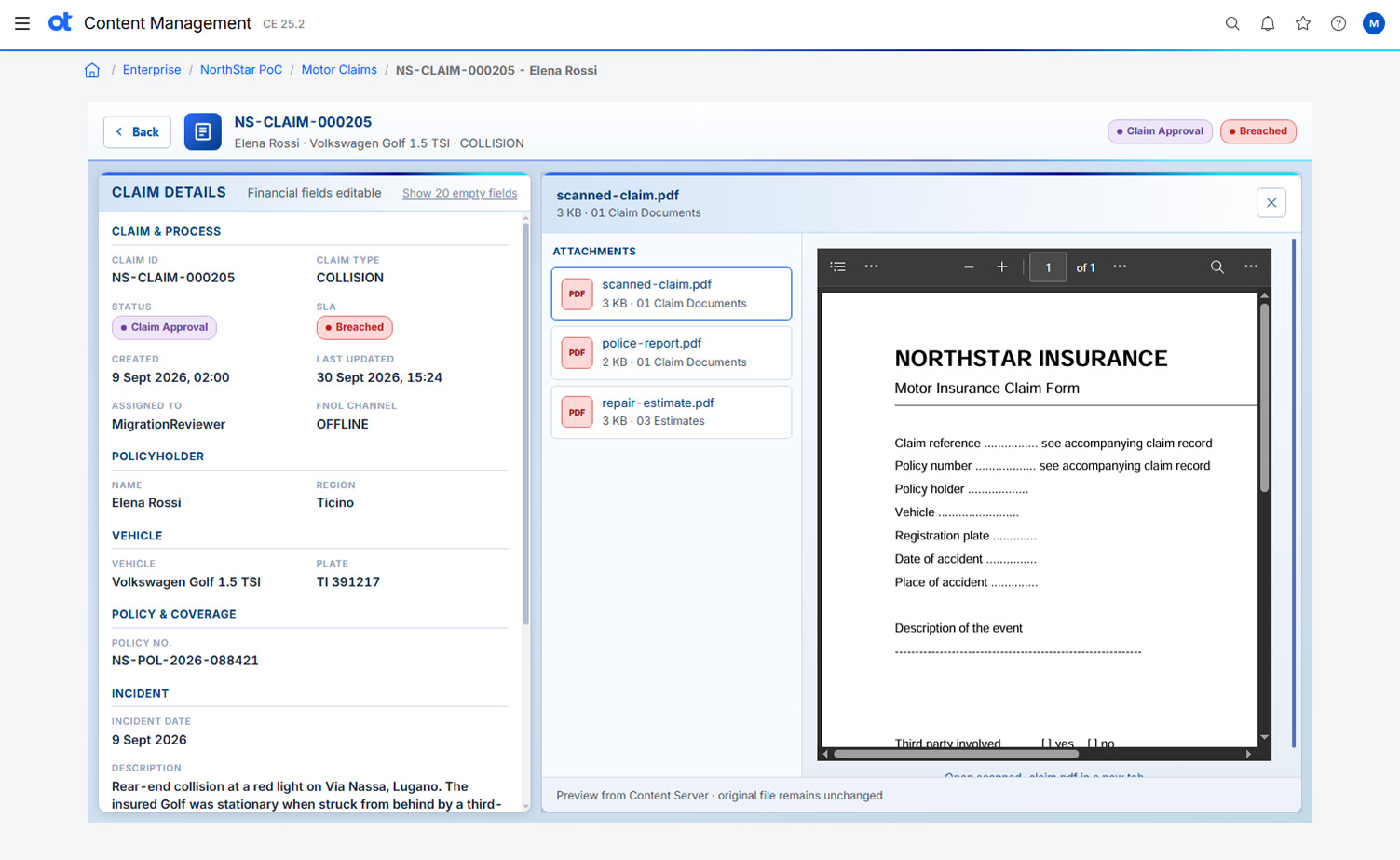

The migration framework reads each source, normalizes the data and sends it toward the target environment. Our logic then decides how the claim should be created, where documents belong and whether a workflow needs to continue.
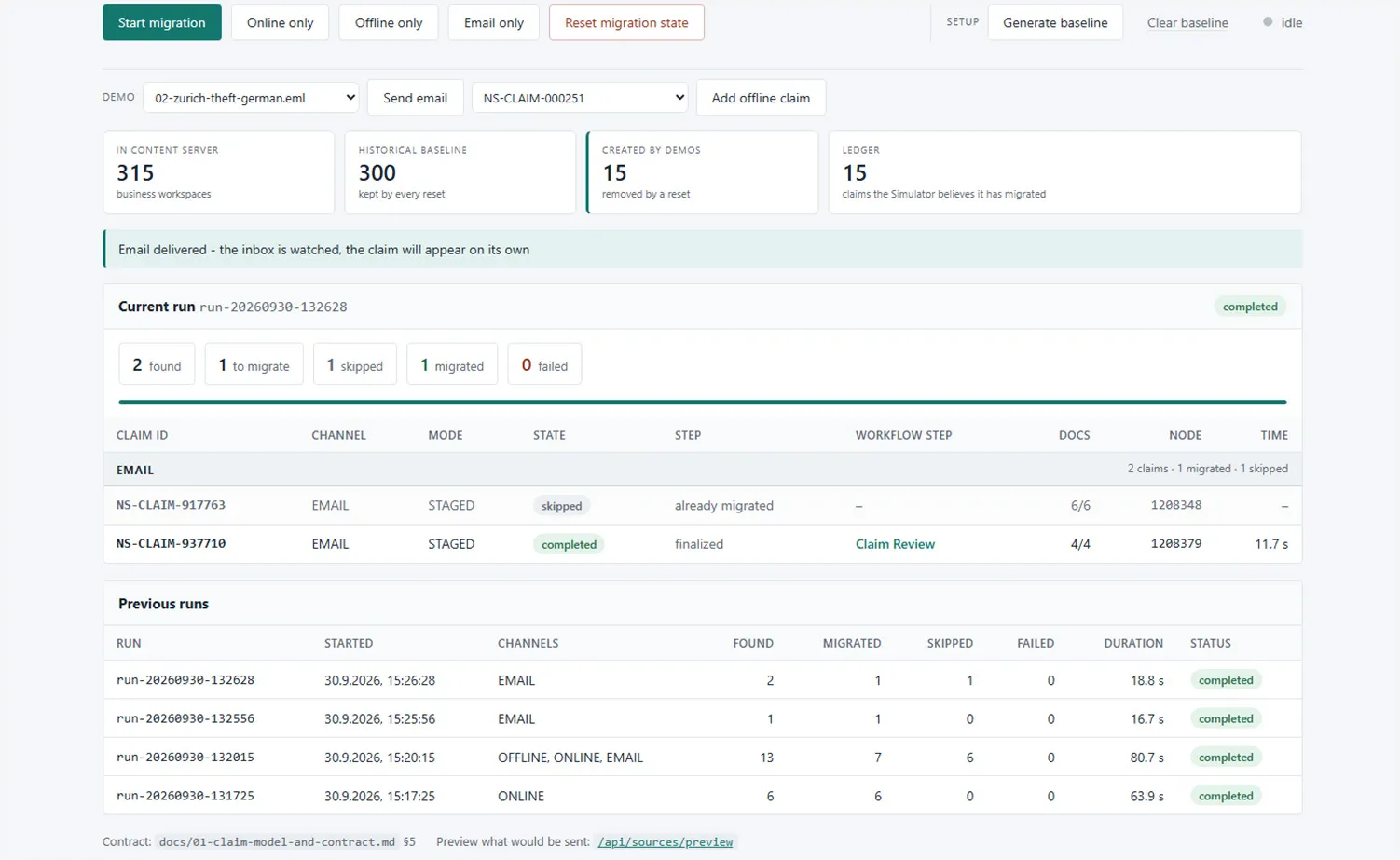
This separation also makes the model reusable. New sources can be added without redesigning the target solution.
From unstructured content to structured data
The same architecture can also support AI-assisted migration. In this scenario, an email can be transformed into a structured claim. AI extracts the relevant information, maps it into the appropriate fields and provides a confidence score to support user validation.

What starts as unstructured content becomes actionable information inside the new environment.
Modernize without losing continuity
Modernization should not mean starting from scratch. New workspaces, dashboards and processes create the better user experience.
A flexible migration architecture ensures that the data, documents and processes behind the business move with it. That is what makes Move & Modernize a real business transition, not just a redesign.